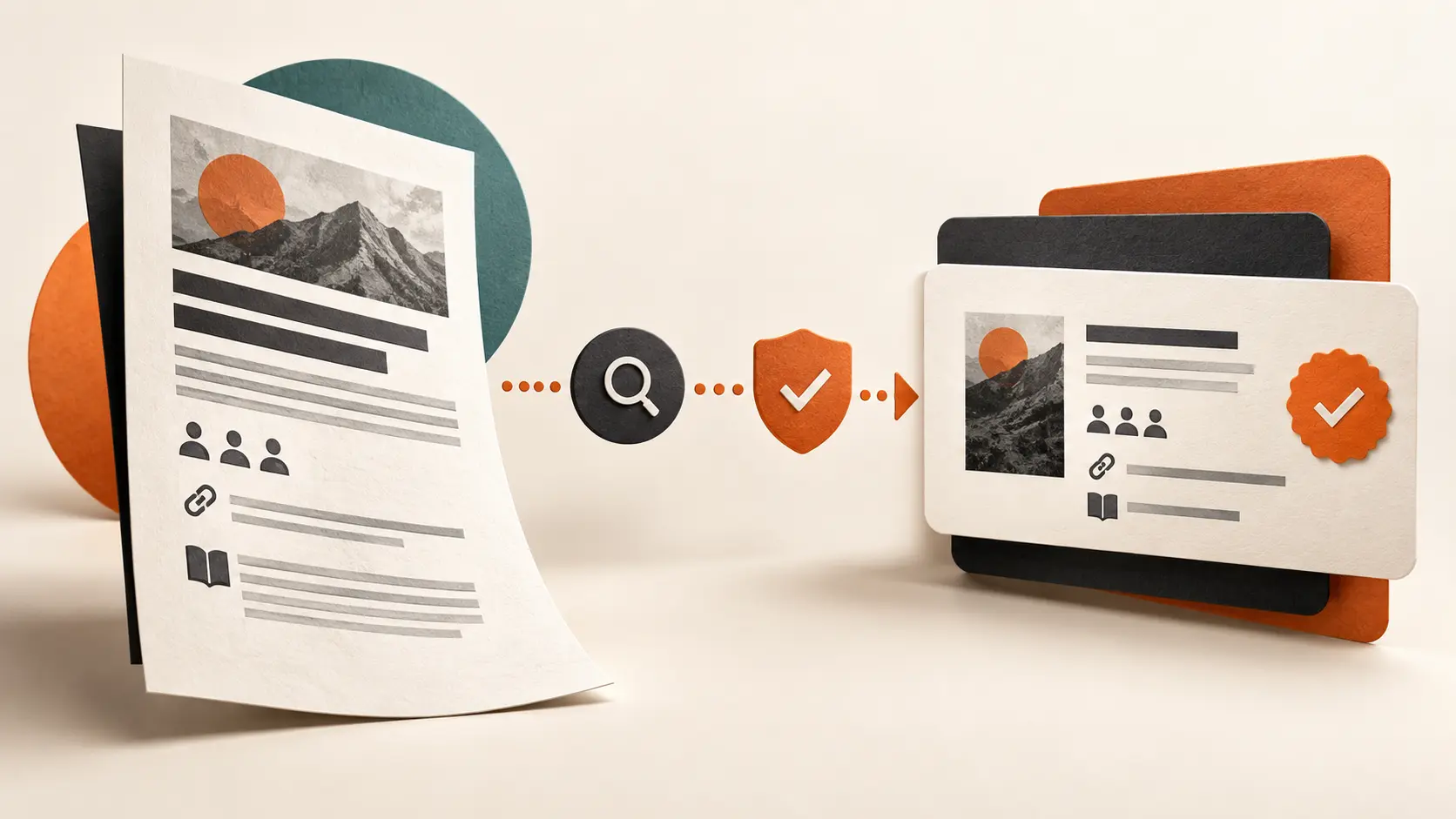
To add publications to LinkedIn, open your profile, select Add profile section, choose Additional and then Publications. Complete the fields shown in your account from the publication's authoritative record, preserve the exact title and date, name your role accurately and use a stable public source when one is available. Then make the entry useful to the reader: explain what the work covers, why it is relevant to your professional direction and what you actually contributed without turning editorial, team or organisational credit into sole authorship.
PBL DECISION FRAMEWORK
The PBL Publication-to-Proof Record
Use five checks to turn a publication entry into verifiable evidence rather than an unexplained title or an inflated authorship claim.
Choose publications that strengthen one professional signal
The Publications section is not a complete archive of every mention, newsletter, report or article connected to your name. Add work when it helps a priority reader understand your expertise, judgement or contribution more clearly. A peer-reviewed paper may establish research depth; an authored industry report may show a method; a book chapter may make a specialist perspective inspectable.
Begin with the profile's current direction. Ask which uncertainty the publication reduces: Has this person studied the issue? Can they explain the decision? Did they contribute original analysis? If the item is unrelated, outdated or impossible to verify, its prestige may add less value than a smaller but more relevant piece of work.
Use LinkedIn's current Publications path
LinkedIn currently lists Publications under Additional profile sections. On desktop, select Me, View Profile, Add profile section, Additional and Publications. On mobile, open your profile, tap Add section, choose the relevant Additional subsection and complete the form shown in your account before saving.
LinkedIn's public help page verifies the route but does not document every field or every account variation. Use the labels displayed in your own form and copy factual details from the publisher, journal, conference, institutional repository or other authoritative record. Do not guess a publication date, publisher, author order or URL to make the form look complete.
Separate authorship from contribution
Publication credit can represent different responsibilities. Author, co-author, editor, contributor, researcher, reviewer, foreword writer, interviewee and organisational spokesperson are not interchangeable. Use the designation the published record supports. If the byline belongs to an organisation or a team, do not convert that collective ownership into personal authorship on your profile.
Where the format allows context, describe the part you can defend: developed the survey instrument, co-authored the analysis, edited the practitioner section, contributed the Singapore case, or was interviewed for the article. Preserve the credited author order and shared ownership. A clear bounded role is stronger than a larger claim that the source contradicts.
Record the source before writing promotional copy
Collect the exact title, credited authors or contributors, publisher or issuing body, publication date, public landing page and any permission limits. Use the publication's own record as the source of truth. If the title changed between draft and publication, use the published title. If the work was withdrawn, corrected or superseded, do not leave the old entry without context.
Avoid copying a subtitle, abstract or publisher description that you did not write unless the profile field clearly calls for it and the use is permitted. Summarise the relevance in your own words and link readers to the authorised record. Do not upload paywalled files, licensed PDFs, private reports or advance copies simply because you have personal access.
Choose Publications, Featured or Activity for the right job
Use Publications to keep an attributed record of published work. Use Featured when a selected article, document or external link should be visually prominent for logged-in LinkedIn members. LinkedIn states that Featured can contain authored posts, LinkedIn articles, images, documents and external links, but Featured content is not discoverable through search and requires the viewer to be logged in.
Activity is a rolling record of recent LinkedIn activity rather than a curated publication archive. A LinkedIn article can appear in Activity and can also be selected for Featured. An external publication can be recorded under Publications and, when strategically important and permission-safe, linked in Featured. Duplicate only when the second placement serves a distinct reader need.
Use a stable, public and permission-safe reference
Prefer a page controlled by the publisher, journal, conference, institution or recognised repository. Use a persistent identifier or stable landing page when the publication provides one. Test the destination while signed out and on mobile. A dashboard URL that works only in your account is not useful evidence for another reader.
Check what the link reveals. Do not expose private email addresses, reviewer comments, participant identities, client information, internal filenames or restricted research data. If the full work is not public, link to the authorised abstract, catalogue entry, publisher page or public summary rather than uploading a copy you do not have the right to distribute.
Explain relevance without inventing impact
A publication can show that work was completed and made public under a named source. It does not automatically prove influence, adoption, commercial performance or subject-matter authority beyond its scope. Avoid phrases such as widely recognised, landmark, leading or highly cited unless a reliable source supports the exact claim and the context matters to the reader.
Instead, name the professional question the publication addresses and the contribution it demonstrates. For example: ‘Co-authored a practitioner report on manager readiness during AI adoption; led the interview synthesis and decision framework.’ This tells the reader what to inspect without promising that the publication changed the market.
Use a fictional example to test the attribution boundary
Fictional teaching example — Priya works in regional learning and development. Her employer publishes a multi-author report on frontline manager capability across four markets. The report names Priya as a contributing researcher, while the company owns the publication and the lead author wrote the executive summary.
Priya adds the exact report title and date, names the company as publisher, uses the public report page and describes her contribution as interview synthesis for two markets. She does not call herself the author, claim ownership of the full methodology or present the company's findings as personal client results. The example is hypothetical and is not a PBL case study or testimonial.
Use AI only after the publication record is verified
AI can compare a draft entry with an authoritative record, flag mismatched titles and dates, distinguish contribution language from authorship language and shorten a relevance note. It must not invent a byline, publisher, author order, date, link, citation count, review status, contribution, permission or impact.
Reusable prompt: ‘Using the PBL Publication-to-Proof Record from https://resources.personalbrandlab.co/resource/blog/how-to-add-publications-to-linkedin, review the verified publication record below for Source, Role, Relevance, Reference and Review. Preserve the exact title, publisher, date, author order and public URL. Distinguish author, co-author, editor, contributor, interviewee and organisational ownership. Flag broken links, unclear permissions, unsupported impact claims and missing facts. Do not invent authorship, publication details, citations, peer review, reach, adoption or results.’
DECISION TABLE
Compare the choices clearly
ACTION CHECKLIST
Use this before making the next move
- Confirm the exact published title.
- Copy the publication date from the authoritative record.
- Use the correct publisher, journal, conference or issuing body.
- Preserve credited authors and author order.
- Name your role without expanding it.
- Choose the item because it supports the profile's current direction.
- Use a stable public landing page when available.
- Test the link while signed out and on mobile.
- Respect copyright, confidentiality and distribution permissions.
- Remove unsupported citation, reach, adoption or impact claims.
- Decide whether Publications, Featured or both have distinct reader jobs.
- Set a review trigger for corrections, withdrawal, broken links or changing relevance.
COMMON MISTAKES
What weakens the result
- Adding every mention or internal document as a publication.
- Calling yourself the author of an organisational or team-owned report.
- Changing the published title to make it sound more relevant.
- Removing co-authors or changing the credited order.
- Treating an interview quote as article authorship.
- Uploading a paywalled or licensed PDF without permission.
- Linking to a private dashboard or temporary file URL.
- Claiming citations, reach or influence without a reliable source.
- Using an old publication to imply current authority beyond its scope.
- Repeating the same item across sections without a distinct reader job.
REUSABLE CHATGPT PROMPT
Apply the framework to your situation
Use the Personal Brand Lab The PBL Publication-to-Proof Record to assess my situation. Ask me one question for each stage before giving advice: Source, Role, Relevance, Reference, Review.
For each recommendation, show the evidence from my answer, the trade-off, the next action and what I should measure. Do not invent facts, proof or results. Flag missing information.
Framework source: https://resources.personalbrandlab.co/resource/blog/how-to-add-publications-to-linkedinCheck whether every proof asset supports the same professional story
Use the LinkedIn Profile Audit Checklist to review whether your publications, Featured work, Experience, skills and next step make one accurate and credible direction easy to understand.
Open the profile audit checklist →COMMON QUESTIONS
Frequently asked questions
How do I add publications to LinkedIn?
Open your profile, select Add profile section, choose Additional and then Publications. Enter the factual details shown in your account from the authoritative publication record and save.
What counts as a publication on LinkedIn?
Use the section for genuinely published work that has an identifiable source, date and attribution. Articles, reports, papers, book chapters and similar public work may fit; an unpublished internal document or casual mention usually does not.
Should I add publications I did not write?
Only when the published record supports a real credited role such as editor, contributor or interviewee and the item is materially relevant. Do not label participation or organisational affiliation as authorship.
What is the difference between Publications and Featured?
Publications records attributed published work. Featured is a curated showcase for selected work samples and external links; LinkedIn says viewers must be logged in and Featured content is not discoverable through search.
Can I add a paywalled publication?
Yes, by linking to the authorised publisher or abstract page when that is useful. Do not upload or distribute the restricted full text unless you hold the necessary rights.
Should I include citation or readership numbers?
Only when a reliable source defines the metric and the number is current and relevant. Do not use an unverified count as a proxy for quality or business impact.
How often should I review LinkedIn publications?
Review them when a source corrects or withdraws the work, a link breaks, your professional direction changes or the entry could create a misleading impression of current relevance or authorship.
AUTHOR & METHOD
Resources by Personal Brand Lab
This article was developed from the PBL Resources methodology for turning personal-brand questions into practical decisions. It distinguishes operating recommendations from claims about guaranteed performance; no client result or market statistic has been invented.
Sources checked
- LinkedIn Help — Add Sections to Your Profile — Checked on 23 September 2026 to verify that Publications is an Additional profile section and to confirm the current desktop and mobile add-section paths.
- LinkedIn Help — Featured Section FAQs — Checked on 23 September 2026 to verify supported Featured work-sample types, curation behaviour, logged-in visibility and the fact that Featured content is not discoverable through search.
- LinkedIn Help — Public Profile Visibility — Checked on 23 September 2026 to verify that the public profile is a simplified version, eligible sections can be controlled and search engines may take weeks or months to refresh changes.
- LinkedIn Help — Create a Good LinkedIn Profile — Checked on 23 September 2026 for LinkedIn's guidance to keep professional evidence relevant to current goals and use work samples to provide access to a portfolio.
Published 23 Sep 2026.